Getting started
From account to first item. Start here if you are new.
Tool checkout
Check tools out, return them, and always know who has what.
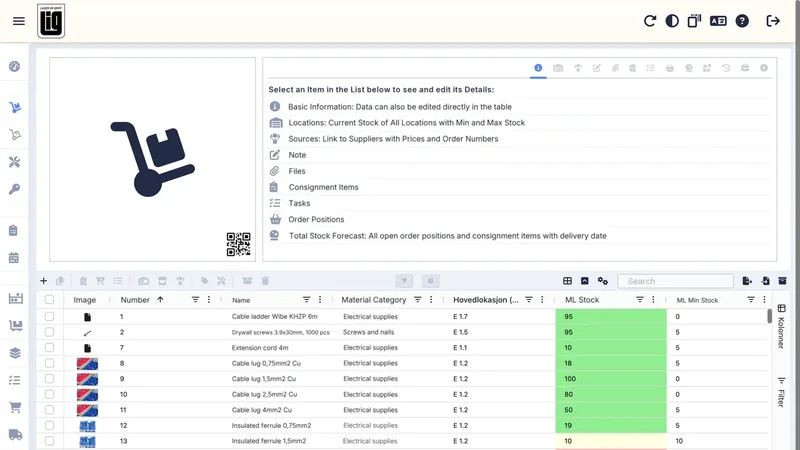
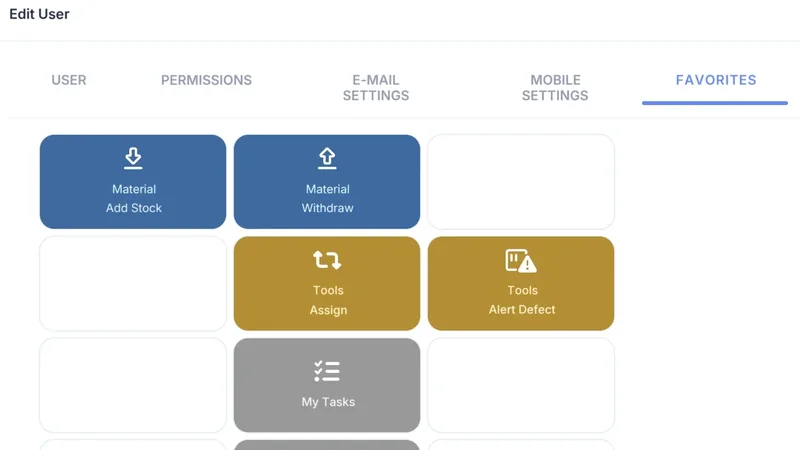 Mobile and web app4 stepsGet started with tool checkoutRegister tools with the barcodes they already have, give workers a home screen with only the buttons they need, and check out with one scan and one tap.Read the guide
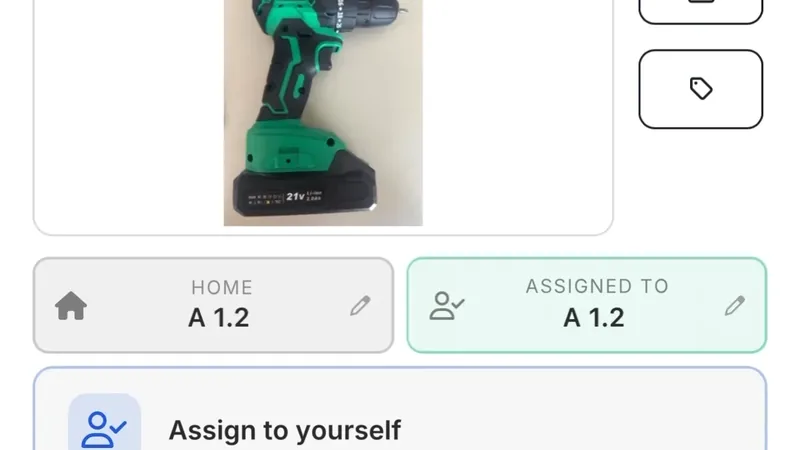 Mobile3 stepsTool loans with the mobile appScan the QR code on the tool, check it out, and return it with a checklist. See who has what, and report when something is broken.Read the guide
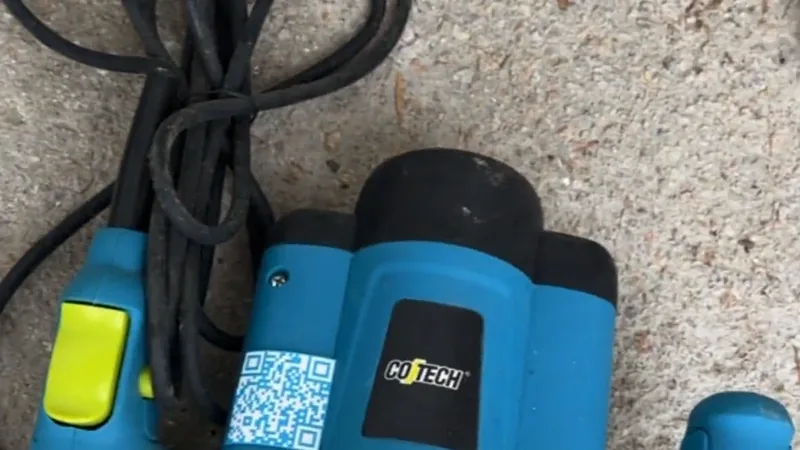 Mobile3 stepsBulk assignment and bulk return: take out, move or return several tools in one goPick the project, switch on Scan Continuously, scan the tools one after the other and tap Assign. Bulk return takes them home again the same way, each tool to its own place.Read the guide
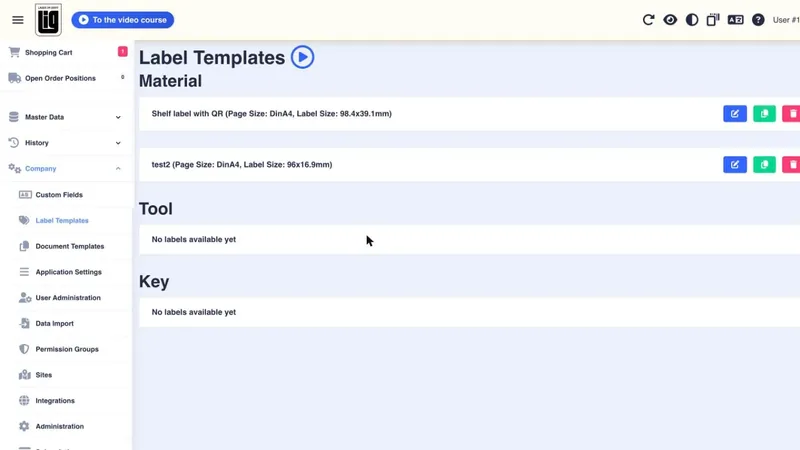
Materials and QR codes
Labels, scanning, taking stock out and refilling.
Users and the web app
Permissions, overview, alerts and import from Excel.
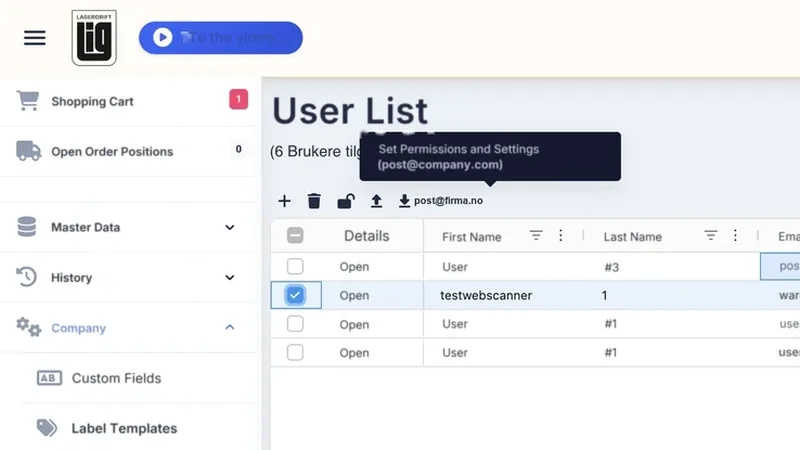 Web app4 stepsCopy user permissionsSet one template user up properly, then copy permissions and settings to as many users as you like. With what you should know before you click.Read the guide
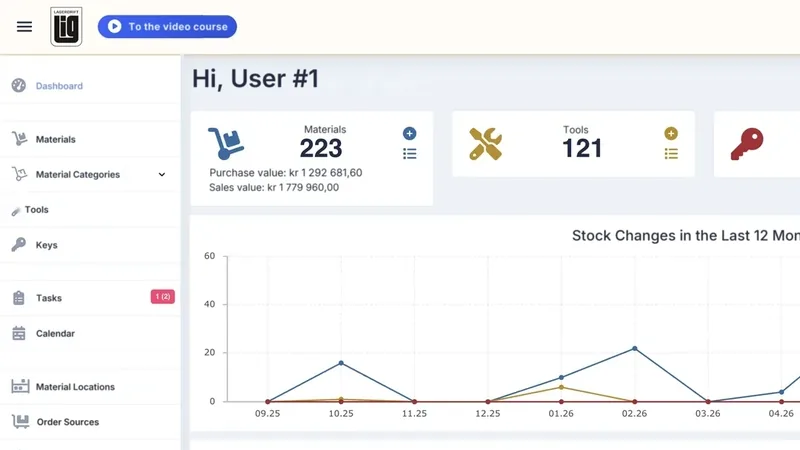 Web appThe web app: overview and administrationWhat is easiest on a big screen: one overview with search and export, alerts before something runs out, deadlines by email, the full history, and importing many rows at once.Read the guide