Used by over 600 companies across Europe, including:




The right stock on the shelf, stocktaking without paper and a warehouse that keeps up with the orders. Connect the shop through an open API.
Used by over 600 companies across Europe, including:
An online shop lives on stock being right. Sell something that is not on the shelf and you get an unhappy customer and a return to handle. As the range grows, so does the mess: items on several shelves, deliveries that never get booked in, and a stocktake that never happens.
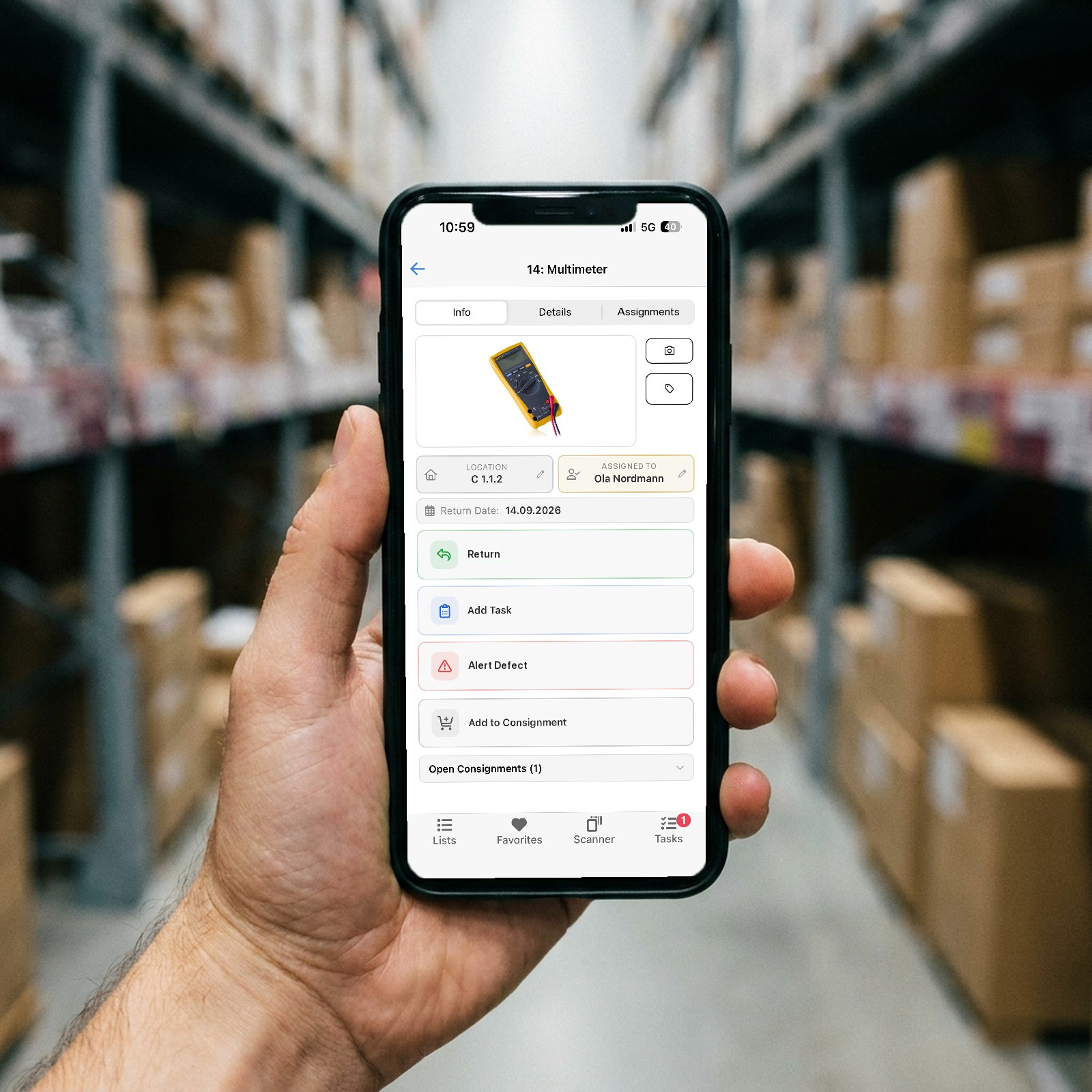
Lagerdrift is the warehouse system behind the shop. Receiving, picking and counting happen with barcode scanning on a phone, minimum stock produces purchase proposals before anything runs out, and an open API with webhooks lets you connect stock to the shop or the order system.
The shop says three, the shelf says zero. The customer waits, and you send an apology.
Counting on paper takes a full day, so it happens too rarely, and the numbers are wrong for the rest of the year.
The pallet arrives and goes straight onto the shelf. Stock is not updated, and the item shows as sold out.
The more items you sell, the less you know about what sits where, and purchasing becomes guesswork.
Scan with the phone camera or an Android handheld scanner. Use the supplier's barcodes, or print your own labels from Lagerdrift.
Count per location with the scanner, if you like blind without today's stock showing. Difference report per location when the count is done.
Set minimum and maximum per item and location. On a breach you get an alert, and the item goes into the purchase proposal automatically with supplier and price.
Create pick orders with a delivery address, pick with the scanner, pack and print labels. Approval flow and history per order.
Choose tracking per item. Batches can carry expiry dates, so you see what expires when and expired goods are not shipped.
Connect stock to the shop or the order system through a REST API with API keys and documentation. Webhooks notify on movements. Import from CSV and Excel, export to Excel, CSV, JSON and XML.
Nothing to install. You set up the first warehouse yourself, and we help for free whenever you want.
Items, barcodes, suppliers and prices from Excel or CSV. Set minimum and maximum on the bestsellers.
Print QR labels for the locations and put the items in place with the scanner.
Use API and webhooks to keep stock in sync. We are happy to help with the integration.
Start with the shelves where things go wrong most often, and count them with a phone.
Try free for 30 daysNo credit card. No commitment. Cancel any time.
Or book a no-obligation call