A business with one person, one shelf and no vans does not need inventory management, it needs a tidy spreadsheet. From the day three to ten people take from the same stock, and materials sit in vans and on projects, the maths flips: with five employees, one person searching is 20 percent of the company standing still. Inventory management for small businesses is not about an ERP. It is about four things: a label on the shelf, the phone everyone already has, who took what, and an alert before it runs out.
«We are too small for an inventory management system» is the objection we hear most often, and sometimes it is true. This article says honestly where the line runs, what searching costs per head in a small company, what a small firm actually needs from a system, and what it costs in kroner. Bring your own numbers as you read.
What «small business» means here
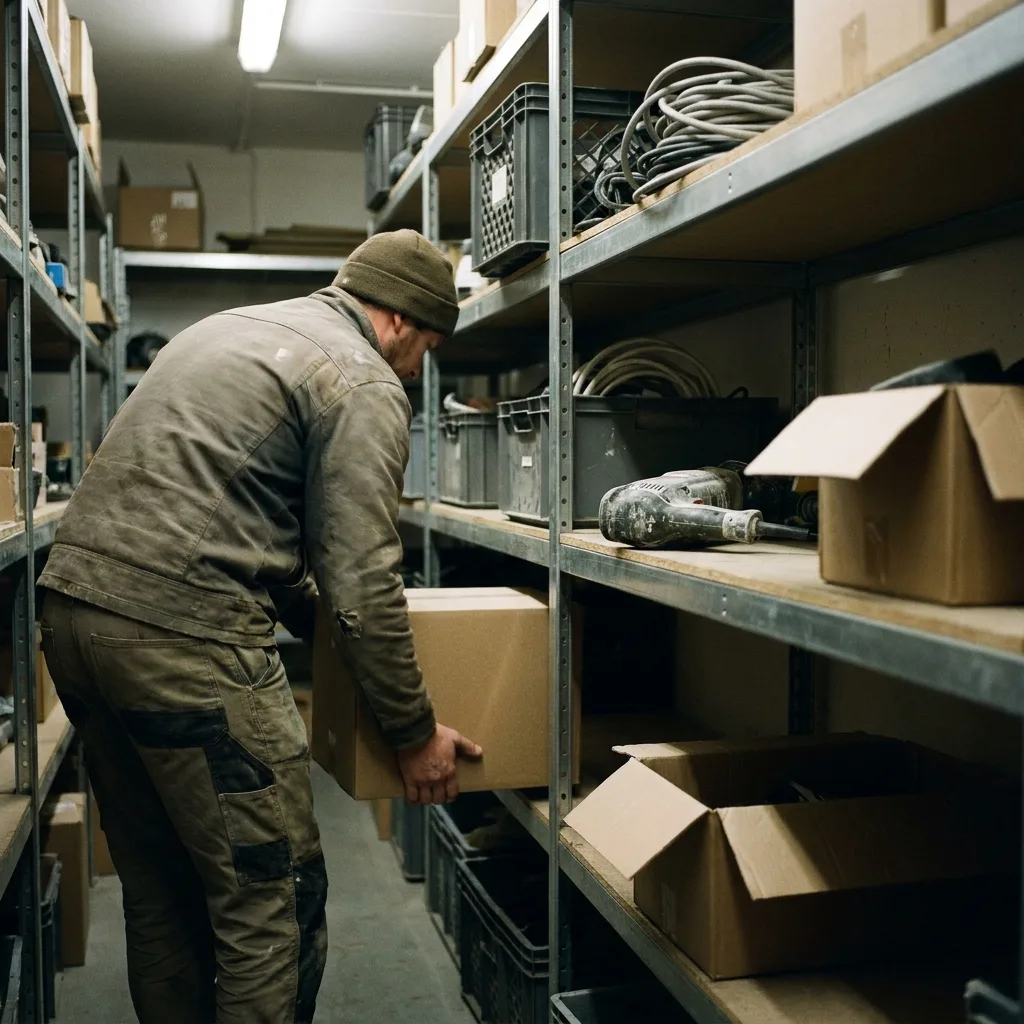
We mean companies with three to ten employees sharing one stock: electricians, plumbers, carpenters, HVAC, small workshops and service companies. Typically you have a main store in a garage or a small building, two to five service vans, and materials that sit where the job is. Purchasing is done by the owner or a foreman, often in the evening.
It is exactly the size that makes the stock expensive. A large company has a storekeeper. A small company has an owner who is the storekeeper after hours.
The maths per head
Searching is the cost that never appears on an invoice. Count it like this, with your own hourly rate:
- Ten minutes of searching per employee per day is around 40 hours a year per person.
- At an hourly rate of 700 kroner that is 28,000 kroner per employee per year.
- Five employees searching cost 140,000 kroner a year. Before a single double purchase is counted.
Then comes the point that applies to small companies in particular: when one of five is searching, 20 percent of the company stands still. In a company of 50, the same person is 2 percent. The small company loses the most per head, and has the least slack to catch up. One extra trip to the wholesaler because the cable drum «should be in the van» is half a day gone for a team of two.
Double purchases are the second item. Nobody found the four cable drums, so four more were bought. In the accounts it looks like a normal purchase. In the store there are eight drums, and none of them is registered.
When Excel holds, and when it stops
The spreadsheet is the right choice for longer than many vendors will admit. It holds as long as all three of these are true:
- One person buys, counts and collects.
- One place. No vans, no projects with their own material.
- No lending. The tools are in the same cabinet every evening.
It stops holding the day one of the three breaks. With three fitters collecting for themselves, the withdrawal sheet is empty after two weeks. With two vans, the sheet does not know where half the stock is. With tools on a project, nobody knows who had the drill last. From then on the sheet describes what was ordered, not what is on the shelf. More on exactly that transition in Inventory management in Excel: when the spreadsheet stops working.
What a small business actually needs
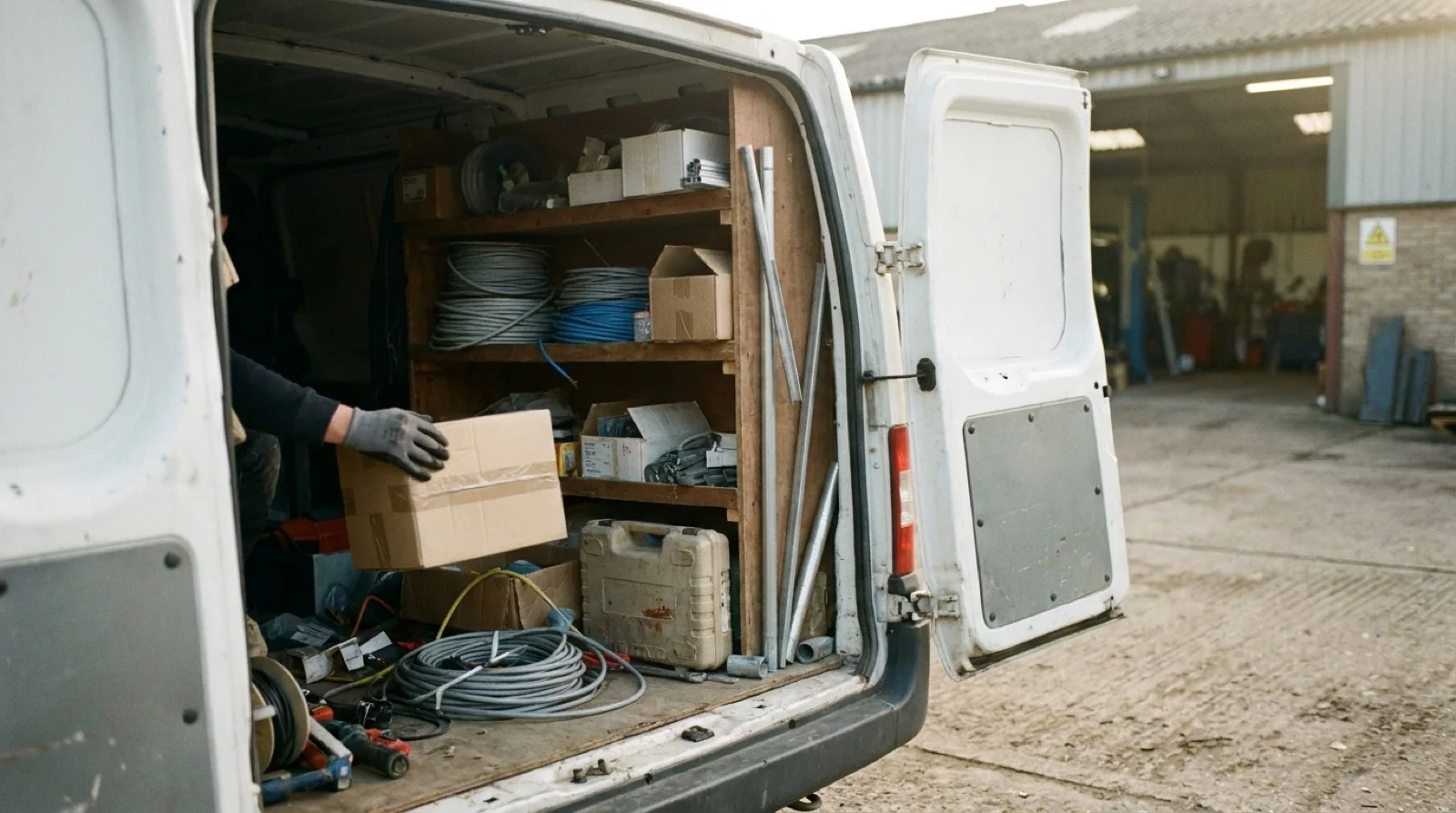
Small companies often buy wrong in both directions: either an ERP with an inventory module nobody on the team will open, or nothing at all. What you need is less than the first and more than the second:
- Scanning with the phones your staff already have. iOS or Android, no handheld scanners. The withdrawal is registered where the item is, in two seconds, or it is not registered at all.
- QR labels you print yourself. One per shelf space, one per tool. The supplier's barcode is used where it exists. Ordinary printer.
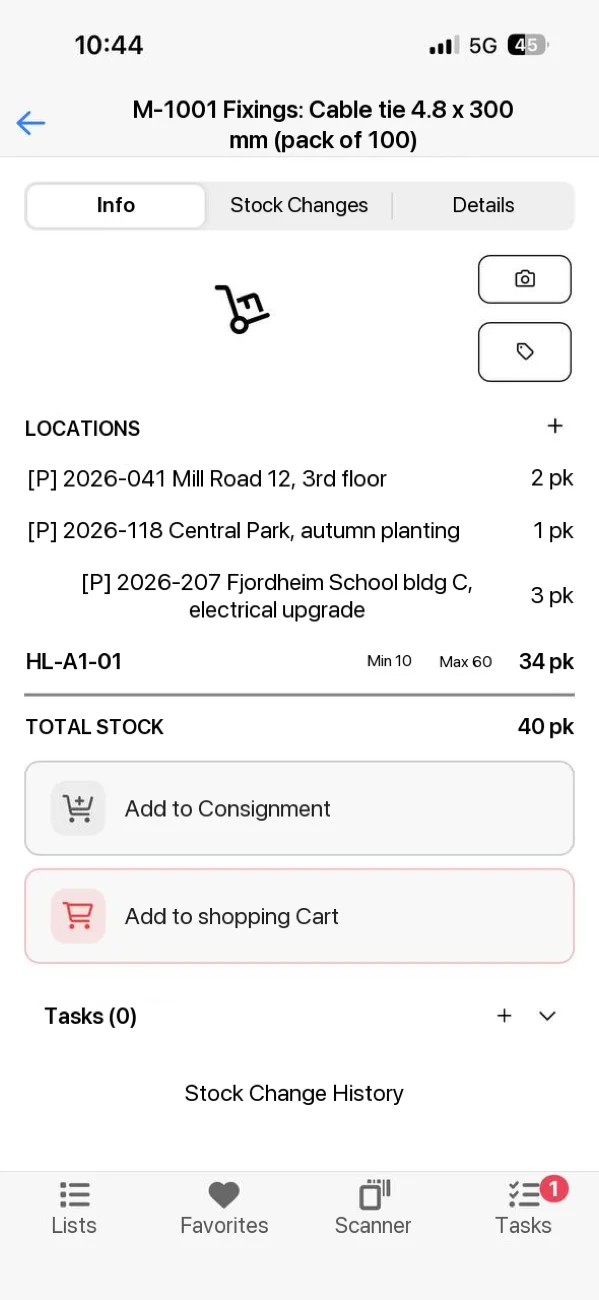
- Stock per location, vans and projects included. Main store, shelf, van 1, van 2 and every project are locations. Move with one scan, and see what is where.
- Who took what, to which project, when. Every scan becomes a row in the history with user and time. That answers both «where is it» and «who had it last».
- Minimum stock with an alert. Per item and location. When stock falls below it, the person responsible is told and gets a reorder suggestion, before the shelf is empty.
- Import from Excel. The item list you have today, one row per item, is imported. You do not start from zero.
And what you do not need: an ERP, a warehouse module with picking stations and storage lifts, dedicated handheld scanners, and an implementation project with a consultant. Everything on the list above exists in an inventory system built for small and medium-sized trade businesses, and you set it up yourselves.
How to set it up in one morning
A stock of a few hundred items and a team of five is usually up and running in one morning. The order that works:
- Clean up the spreadsheet, and import it. One row per item, one column per fact: number, name, unit, location, minimum. The clean-up takes longer than the import.
- Pick 20 to 50 items first. The ones you most often run out of, and the tools that most often go missing. Not the whole stock on day one.
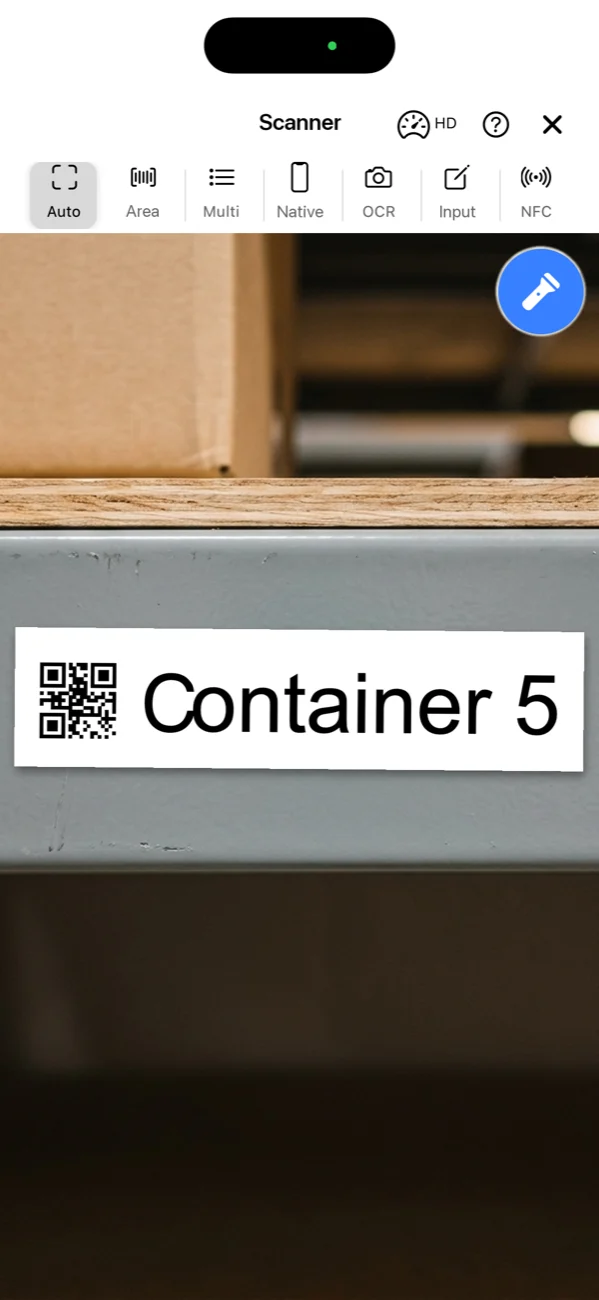
- Create the locations. Main store, the shelves that matter, every van, and the projects that are running. Print one QR label per location and hang it up.
- Set a minimum on the items that stop a job. Not on everything. Five to ten items are enough for the alert to mean something.
- Let everyone who collects scan from day one. The fitter who only collects gets an app with a few buttons. After a week the habit sticks, and the numbers are right. This is what it looks like for tools: Get started with tool checkout.

What does inventory management cost for a small business?
Lagerdrift is priced per plan, not per user, and the plans follow the number of employees who will use the system:
| Starter | Pro | |
|---|---|---|
| Users | 1 to 3 | 4 to 10 |
| Price per year | 289 € (about 3,300 kr) | 789 € (about 8,900 kr) |
| Per month | About 275 kr | About 740 kr |
| Per user and month, fully used | About 90 kr | About 75 kr |
| Mobile app, QR and barcode, tools and keys | Yes | Yes |
| Training and support | Free | Free |
Set against the maths above: five employees searching ten minutes a day cost around 140,000 kroner a year. The Pro plan for the same five costs 8,900 kroner. The system has to save each of them less than one minute of searching a day to break even. Prices are net of VAT, and 2- and 3-year agreements come with a discount.
Test it with your own items for 30 days
All features, no card, no automatic charge afterwards. Import the spreadsheet, hang up ten labels, and see whether the fitter with gloves on actually scans.
Try it free for 30 daysIn short
Small businesses are not too small for inventory management. They are too small to have someone searching full time. If you are one person in one place, stick with the spreadsheet and do it properly. If you are three to ten sharing one stock with vans and projects, searching and double purchases cost more per month than a system costs per year, and what you need is a label on the shelf, the phone in your pocket, and an alert before it runs out.
Count ten minutes of searching per employee per day at your own hourly rate, and divide by the number of employees. That is where the small company loses the most.
Frequently asked questions
Are we too small for an inventory management system?
If you are one person, in one place, with no vans and no projects, the spreadsheet is the right choice. From three or four people taking from the same stock, and from the day materials sit in vans or on projects, the small company loses more per head on searching and double purchases than a system costs. Run the numbers with your own hourly rate before you answer.
What should an inventory system for a small business be able to do?
Scanning with the phones your staff already have, QR labels you print yourself, stock per location including vans and projects, who took what and when, a minimum stock with an alert, and import from Excel so you do not start from zero. What you do not need is an ERP, handheld scanners and a consulting project.
What does an inventory system cost for a small business?
Lagerdrift Starter costs 289 euro a year for 1 to 3 users, about 3,300 kroner or 275 kroner a month. Pro costs 789 euro a year for 4 to 10 users, about 8,900 kroner or 740 kroner a month. Training and support are free in every plan. Prices are net of VAT.
How long does it take to set up inventory management in a small business?
The first items and locations are in place in five minutes. A stock of a few hundred items, QR labels on the shelves and a team of five is usually up and running in one morning. Cleaning up the spreadsheet before the import often takes longer than the setup itself.
Does everyone have to use the system?
Everyone who takes from the stock has to register the withdrawal, otherwise the numbers stop being true. That is the whole point of scanning where the item is: the withdrawal takes a couple of seconds on the phone, and staff who only collect material can get an app with a few buttons and nothing else.
Can we start with only part of the stock?
Yes, and it is usually the smart way. Start with the 20 to 50 items you most often run out of and the tools that most often go missing. When those are right, take the rest. The 30-day trial is free, with no card and no automatic charge afterwards.