A free inventory management system comes in two forms: the spreadsheet (Excel or Google Sheets) and free tiers from vendors, with a cap on items or users. Both work as long as one person counts and updates. From the day several people take from stock, the free system costs more in searching and double orders than a paid system costs in a year. Lagerdrift is not free. What you pay for is stock that is right from day one, without anyone having to remember to update a sheet.
If you are searching for a free inventory management system, it is usually because the stock has started to cost time, but not enough that you want to pay for a system yet. That is a sensible order. This article goes through what you actually get for free, where free stops being free, and what the alternative costs, so you can do the sums with your own numbers.
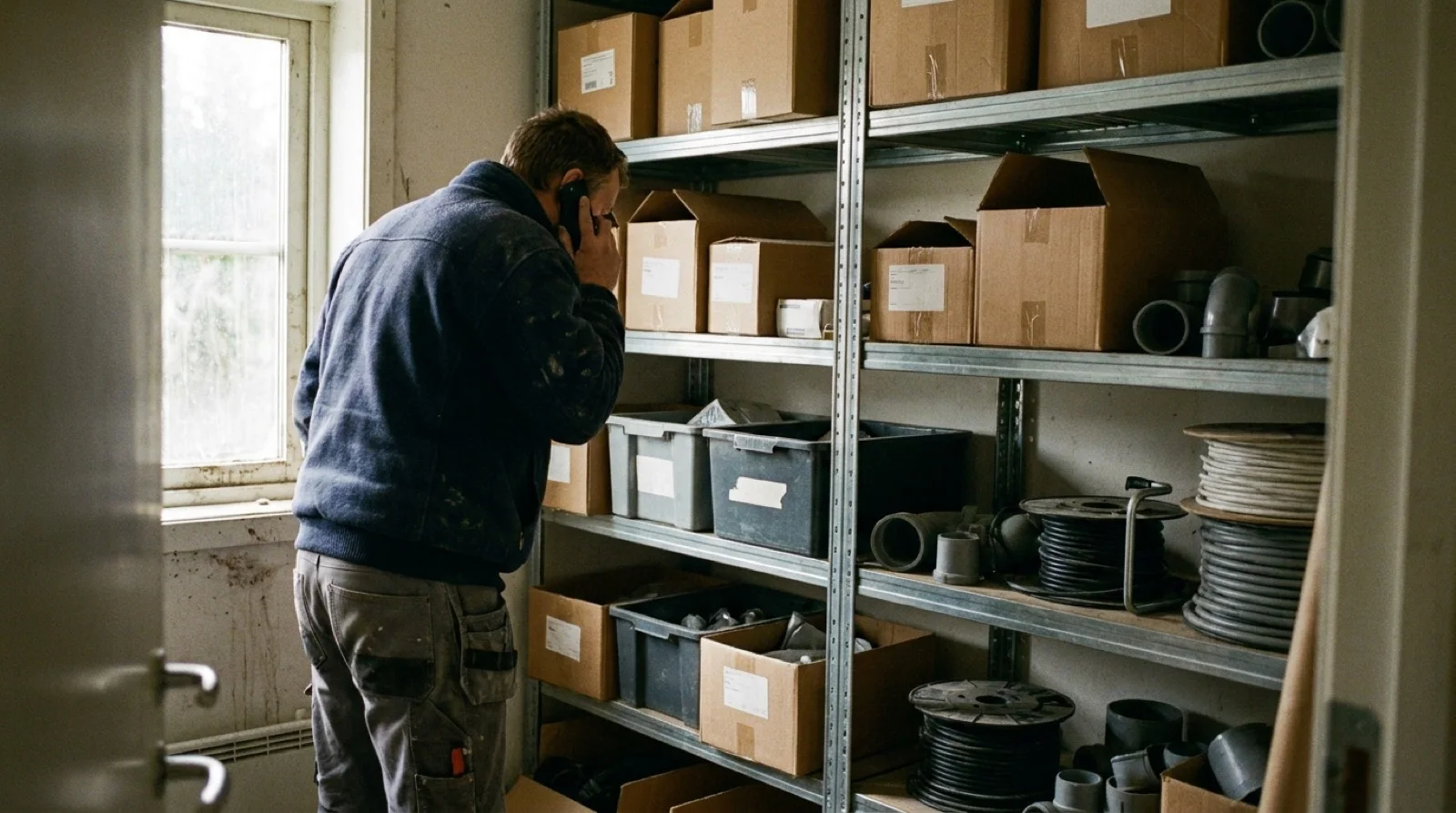
What free inventory management systems exist?
Three things are called free, and they are different enough to be worth separating:
- The spreadsheet. Excel or Google Sheets, with one row per item and a column for stock. Completely free, no limit on items, and everyone can use it. The drawback is that nothing happens by itself: every change has to be typed in by a person, on a PC, after the item has been taken.
- Free tiers. Some vendors offer a plan without payment, capped at for example 100 items, one user or one location, and often without mobile scanning and export. The plan is designed for you to outgrow it, and by then your data already lives there.
- Free trial. The full system for a limited period. Lagerdrift gives 30 days with every feature, no credit card. It is not a free system, but it is free to find out whether it is worth the money.
Lagerdrift has no free plan, and this article is not going to pretend otherwise. What is free with us is the trial, the support and the training, also after you have chosen a plan.
Free inventory management in Excel: what you actually get
For a business where one person buys, counts and collects, the spreadsheet is often the right choice. Then it deserves to be done properly. A stock sheet that holds up has these columns:
- Item number and name, one per row. Not "assorted screws".
- Unit (pcs, metres, pack) and quantity.
- Location: shelf, cabinet or van. One item in two places is two rows.
- Minimum: the quantity you reorder at. With conditional formatting the row turns red when stock drops below it.
- Supplier and last counted, with a date.
Add a separate sheet for withdrawals, with date, item, quantity and who took it, and you have a history. That sheet decides whether the spreadsheet works: if it is filled in, the stock is right. If it is not, the stock sheet shows what was ordered, not what is on the shelf. More on exactly that transition in Inventory management in Excel: when the spreadsheet stops working.
Where free stops being free
The spreadsheet costs nothing in licences. It costs time, and the time shows up in five places:
- Several people take from stock. As long as one person collects and counts, the sheet holds. With three fitters, an apprentice and a buyer, the withdrawal sheet is empty after two weeks, and nobody knows what is left.
- Stock is spread across vans and sites. Half the materials are where the job is. A sheet that only knows the main store does not help when the cable drum is in van 3.
- The phone round. The moment someone has to ring a colleague to find out where something is, the lack of a system costs more than the system.
- Double orders. Nobody found the four cable drums, so four more were bought. This is the most expensive and least visible cost of free inventory management, because it looks like an ordinary purchase in the accounts.
- The stocktake takes a weekend. Printouts, counting, typing, mistakes. With counting per location on the phone, the same job takes hours.
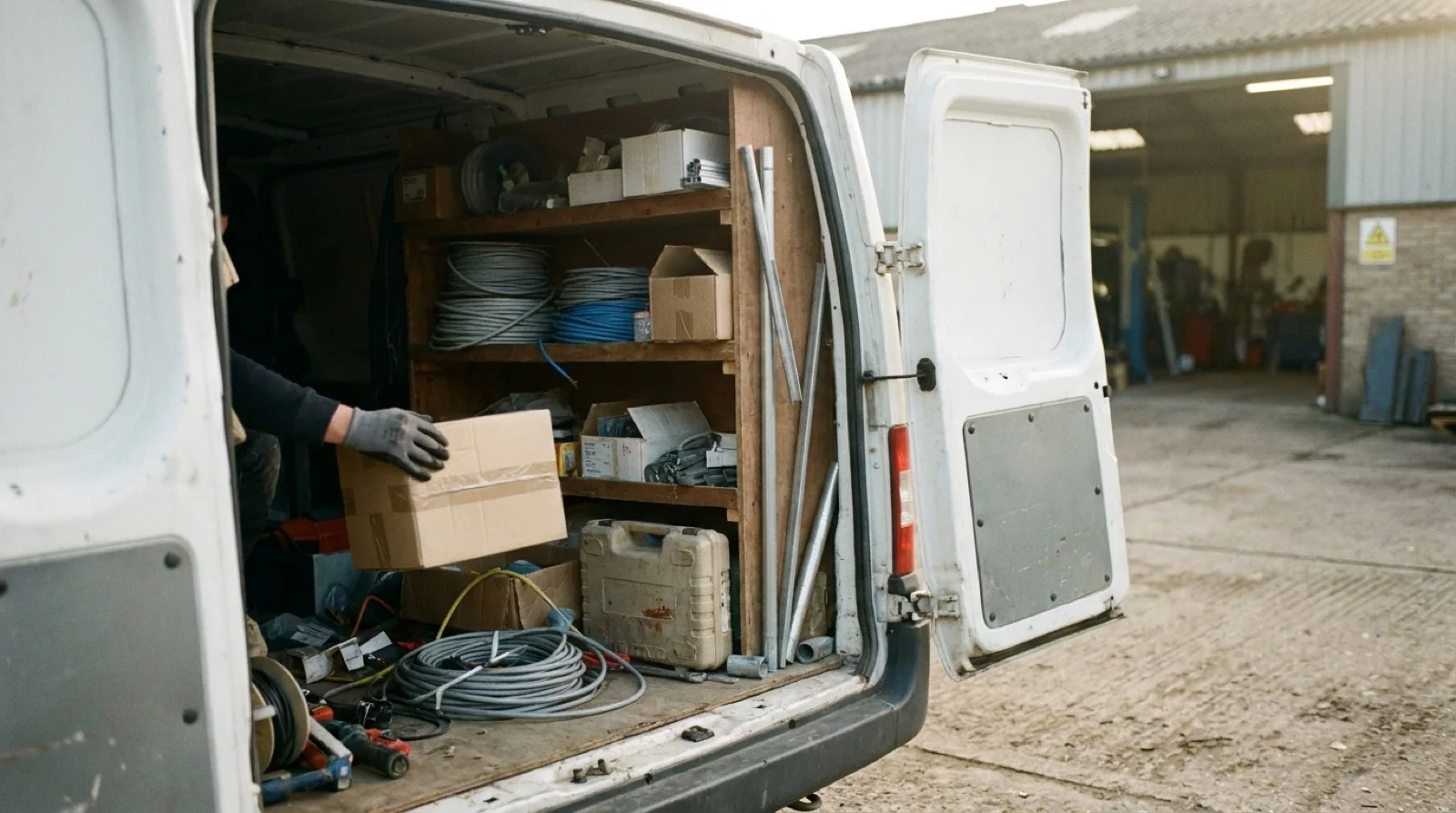
Do the sums on the first point with your own numbers. Ten minutes of searching per employee per day is around 40 hours a year per person. At an hourly rate of 700 kroner that is 28,000 kroner per employee per year, before a single double order is counted. Three employees who search cost more in a year than most inventory management systems cost in three.
| Spreadsheet | Free tier | Lagerdrift Starter | |
|---|---|---|---|
| Price | 0 kr | 0 kr until the cap is hit | About 275 kr a month (289 € a year) |
| Users | One file, one editor | Often one | 1 to 3 |
| Scanning from the phone | No | Rarely | QR, barcode and NFC |
| Who took what, and when | Only if someone writes it down | Varies | Automatic on scanning |
| Low-stock alert | A red row, if someone looks at the sheet | Varies | Yes, per item and location |
| Tools and loans | No | Rarely | Yes, in the same app |
| Export of your data | It is your file | Often locked | Excel, CSV, JSON and XML at any time |
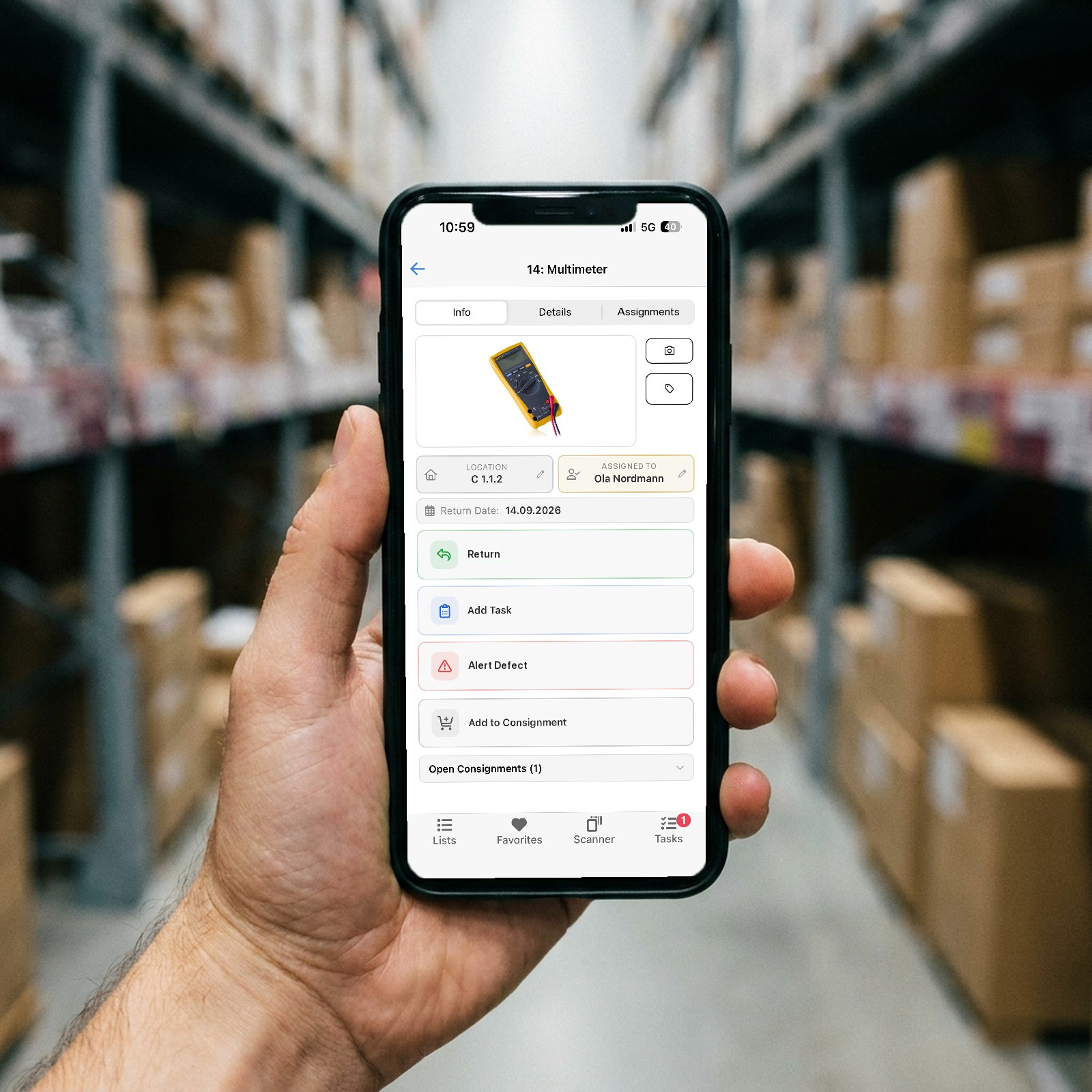
Free tiers: read the small print
A free tier is an offer to move in before you pay. It can be the right choice, but check four things before you enter your items:
- The cap. How many items, users and locations do you get? A trades business passes 100 items in the first week.
- The phone. Can staff scan with their own phone, or is the free tier just a website? Without scanning where the item is, it becomes the spreadsheet again, only more expensive to leave.
- The export. Can you get your data out as Excel or CSV without upgrading? If not, the free tier is a lock-in.
- The price afterwards. What does the plan cost above the cap, and is it per user per month? Work out the annual price for your team in two years, not for you alone today.
What does an inventory management system that is not free cost?
Prices in the market run from the spreadsheet to WMS projects worth several hundred thousand kroner. Lagerdrift sits at the simple end, with one price per plan and everything included:
- Starter: 289 € a year for 1 to 3 users, about 3,300 kroner, or 275 kroner a month. With three users that is around 90 kroner per user per month.
- Pro: 789 € a year for 4 to 10 users, about 8,900 kroner, with API and webhooks. With ten users that is around 75 kroner per user per month.
- Enterprise: from 11 users, by agreement.
Every plan includes materials, tools and keys, the mobile app, QR scanning, alerts, stocktaking, import from Excel and free support. Measured against the hourly rate above, Starter is under five hours of searching a year. The full list is on the pricing section.
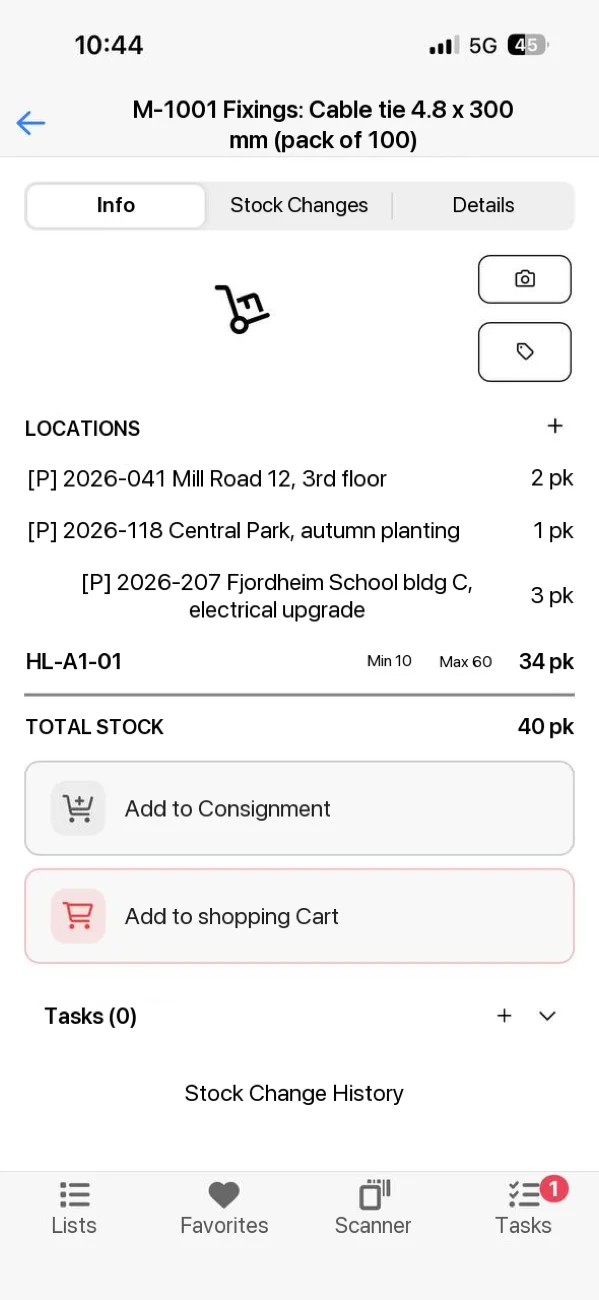
How to test for free before you pay
The trial is free, but it is only useful if it is tested with real items. This is how you get an answer in 30 days:
- Import the spreadsheet. Tidy the sheet to one row per item and one column per fact, and import it. Then you do not start from zero.
- Pick 20 to 50 items. The ones that most often run out, and the tools that most often go missing. Not the whole store on day one.
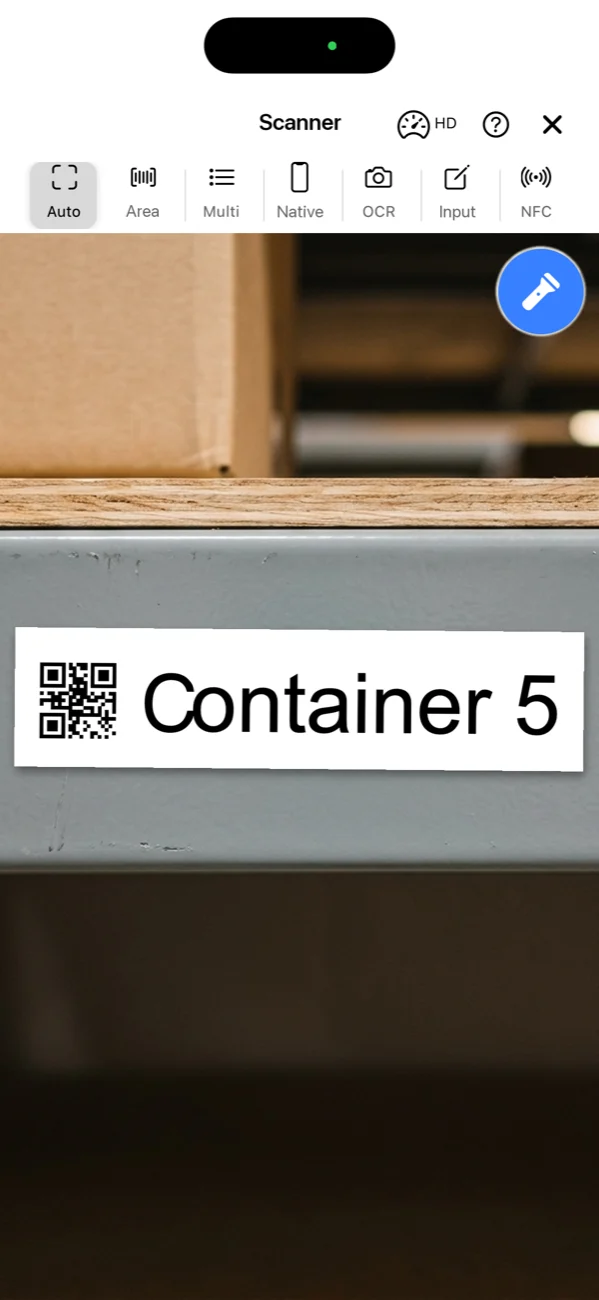
- Print QR labels. On an ordinary printer. Use the supplier's barcode where there is one.
- Let two people scan for two weeks. Every withdrawal and every receipt. The stock is right from the first scan, and after a week the habit sticks.
- Decide on a busy Thursday. Not in a demo. If the fitter with gloves on actually scans, the system works. If not, you have learned that for free.

Test with your own items for 30 days
Every feature, no credit card, no automatic charge afterwards. Import the spreadsheet and see the stock stay right from day one.
Try free for 30 daysIn short
A free inventory management system is the spreadsheet, and for one person in one place it is the right choice. Free tiers are a place to move in before you pay, and worth it only if you can scan with the phone and get your data out again. From the day several people take from stock, the question is not what the system costs, but what the searching and the double orders cost today.
Do the sums on ten minutes of searching per employee per day with your own hourly rate. The number is usually the answer.
Frequently asked questions
Is there a completely free inventory management system?
Yes, in two forms. Excel and Google Sheets are free and work as long as one person counts and updates. Some vendors offer free tiers with a cap on items or users, which stop being free when the stock grows. A full system with mobile scanning, several users and a history is not free anywhere.
Is Excel good enough for inventory management?
For one person, in one place, with nothing lent out: yes. The spreadsheet stops being right when several people take from stock, when goods sit in vans and on sites, and when nobody writes down the withdrawal where it happens. From then on the sheet describes what was ordered, not what is on the shelf.
Does Lagerdrift have a free plan?
No. Lagerdrift has a 30-day free trial with every feature, no credit card and no automatic charge afterwards. After the trial you choose a plan or let the account close. Starter costs 289 euro a year for 1 to 3 users, about 3 300 kroner.
What happens after the 30 days?
Nothing automatic. If you choose a plan, you continue with the items, locations and history you have already entered. If you choose none, the trial account closes at no cost. Data can be exported to Excel before that.
Can I bring my Excel list into a system?
Yes. Items, tools and locations are imported from CSV and Excel files, provided the sheet is tidy: one row per item and one column per fact. The tidying usually takes longer than the import itself.
What does the cheapest inventory management system cost?
Lagerdrift Starter costs 289 euro a year for 1 to 3 users, about 3 300 kroner or 275 kroner a month, which is around 90 kroner per user per month with three users. Against an hourly rate of 700 kroner that is under five hours of searching a year. Ten minutes of searching a day costs around 40 hours a year per employee.